Skip to content
18+ onlyFor entertainment onlyNo real money playNo prizes of monetary valueNo in-app purchases
Pixtavia 5,000 ptsno cash value P PlayerLevel 1

Side quests · 8 picks · checked 3 November 2026

Side quests: ordinary browser games we like

Not every evening needs our own library. These are eight free games made by other people, played on their own websites. We have no deal with any of them: no adverts bought, no sponsored places and no tracking links. Each card says what the game is, what it costs, whether it needs an account, how long a sitting takes and where to stop.

How long have you got?

Pick the time you have and we will show the games whose usual sitting fits inside it, with a stop point for each. This runs on this page only; nothing is saved.

Showing all eight games.

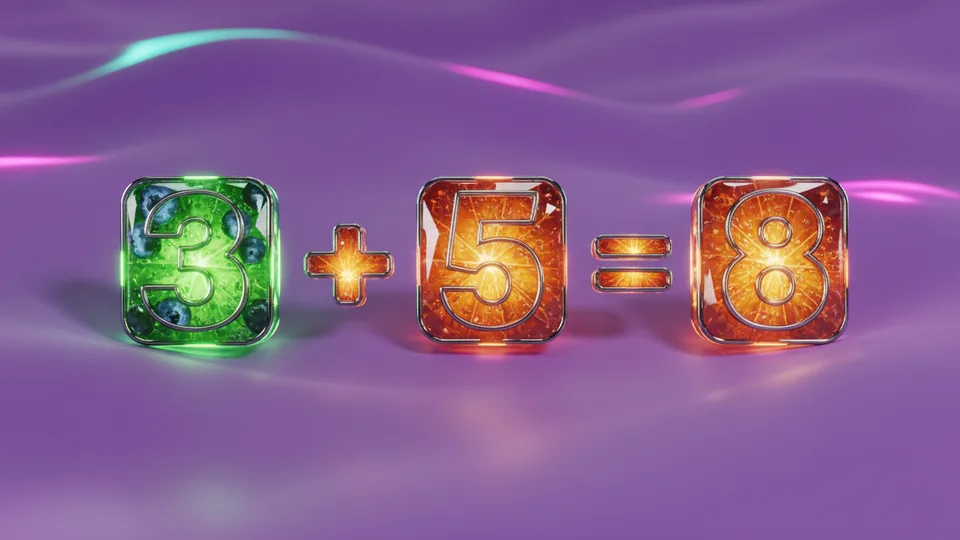
Illustration: glossy number and sign tiles forming a short sum

Daily puzzleNumbers

Nerdle

By Richard Mann · nerdlegame.com

A daily numbers puzzle: find the hidden calculation in six guesses, with coloured tiles telling you which digits and signs are in the right place. It works like a word puzzle, except the answer has to add up, so every guess is a small piece of arithmetic. Classic is the main event; Mini, Maxi, Speed, Instant, Bi and Cross Nerdle are there when you want a different shape.

Plays on
Any modern browser, desktop or phone
Cost
Free to play
Account
Not needed
Usual sitting
3–5 minutes
Our score
4.5 / 5

First sitting: start with an equation that uses a plus, a minus and an equals sign; it rules out the most tiles at once.

Where to stop: one equation a day is the whole design. Solve it, compare notes with a friend, close the tab.

Open nerdlegame.com (opens in a new tab)


Illustration: a golden waffle-shaped grid of coloured letter tiles

Daily puzzleWords

Waffle

By Waffle Studio Ltd, created by jessian · wafflegame.net

Six words are laid out in a waffle-shaped grid with their letters scrambled. You swap letters two at a time until every row and column reads correctly, with a limited number of swaps. It rewards planning more than speed, and the grid looks lovely when it clicks into place. A weekly Deluxe grid, a numbers version and an archive sit alongside the daily one.

Plays on
Any modern browser, desktop or phone
Cost
Daily and Deluxe free; an optional paid subscription adds Waffle Royale
Account
Not needed for the daily grid
Usual sitting
4–8 minutes
Our score
4.5 / 5

First sitting: fix the four corner letters first; each one belongs to two words, so it narrows everything else.

Where to stop: after the daily grid. The archive is tempting, so decide on one extra grid at most before you open it.

Open wafflegame.net (opens in a new tab)
Illustration: a curving strip of six film frames

Daily puzzleFilms

Framed

By the Framed team · framed.wtf

A daily film quiz. You see one still from a film and guess the title; each wrong guess reveals another frame, up to six. Film fans will get some in one, and the rest of us still enjoy the slow reveal. Extra modes show a single frame, a title card or a poster, and an archive keeps the days you missed.

Plays on
Any modern browser, desktop or phone
Cost
Free to play; the site also links to an optional merchandise shop
Account
Not needed
Usual sitting
2–5 minutes
Our score
4 / 5

First sitting: look at the colour grading and the aspect ratio before the faces; they often give away the decade.

Where to stop: one film a day, two with a friend who wants a go.

Open framed.wtf (opens in a new tab)
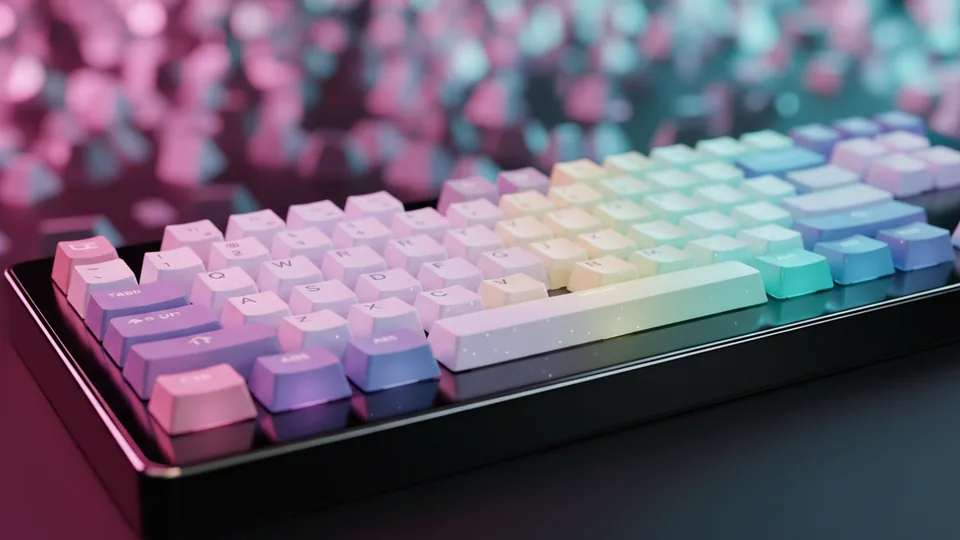
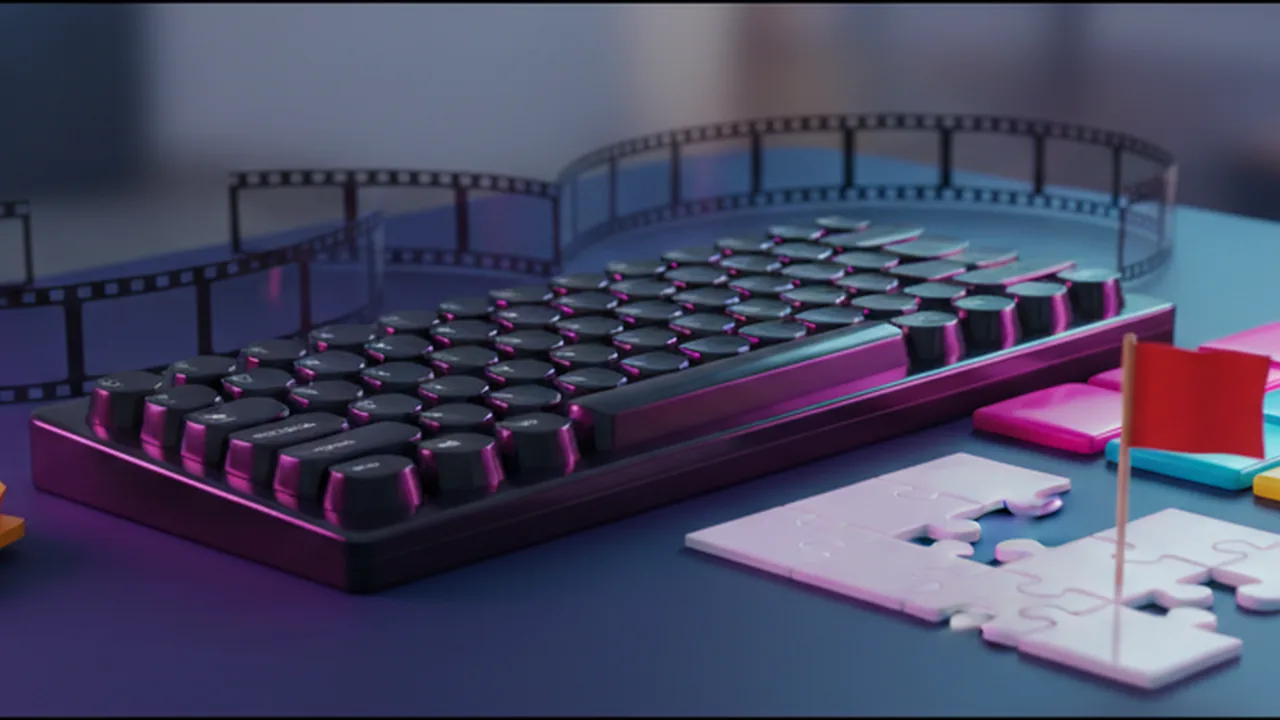
Illustration: a glossy mechanical keyboard with pastel keycaps

TypingPractice

Monkeytype

By Miodec and contributors · monkeytype.com

A clean, minimal typing test with an almost endless list of settings: timed or word-count tests, quotes, punctuation and numbers, and a choice of themes. It is calm, quick and genuinely useful, because your typing improves while you play. Results show speed and accuracy for each test.

Plays on
Desktop browser with a physical keyboard
Cost
Free to use
Account
Not needed to take a test; signing in only keeps a history
Usual sitting
1–10 minutes
Our score
4.5 / 5

First sitting: choose the 60-second test and aim for accuracy above 95 % before you chase speed.

Where to stop: three timed tests, then look at the average rather than the best one.

Open monkeytype.com (opens in a new tab)
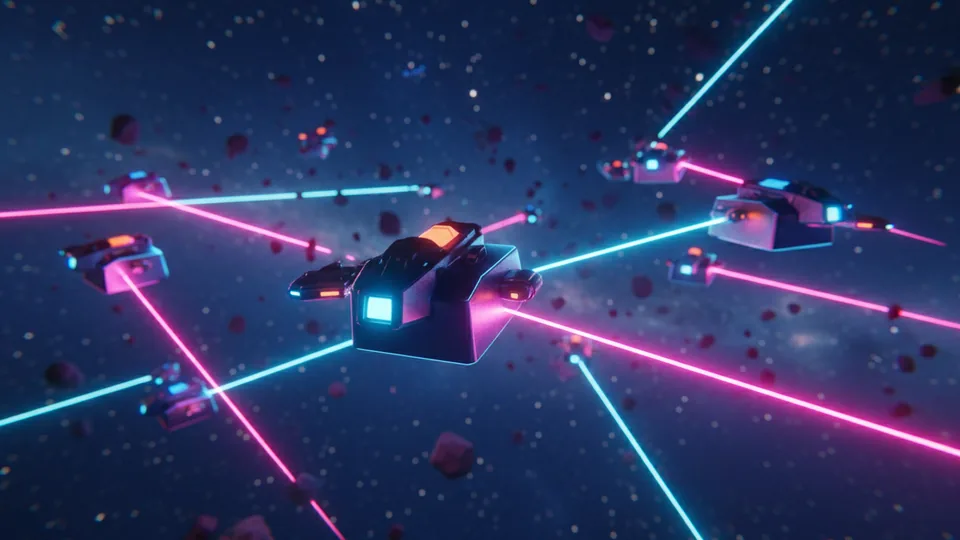
Illustration: glowing keycaps flying like small spaceships through a starfield

TypingArcade

ZType

By PhobosLab · zty.pe

An arcade game where words fly down the screen as small ships and you clear each one by typing it. Waves get faster and longer words appear, so it turns typing practice into something with real tension. It is one of the best-known browser games of its kind and still holds up.

Plays on
Desktop browser with a physical keyboard
Cost
Free to play; the site shows adverts
Account
Not needed
Usual sitting
5–15 minutes
Our score
4 / 5

First sitting: keep your eyes on the lowest word, not the longest one; the closest ship is always the one that matters.

Where to stop: waves end with a short pause. Decide on a wave number before you start and stop when you reach it.

Open zty.pe (opens in a new tab)
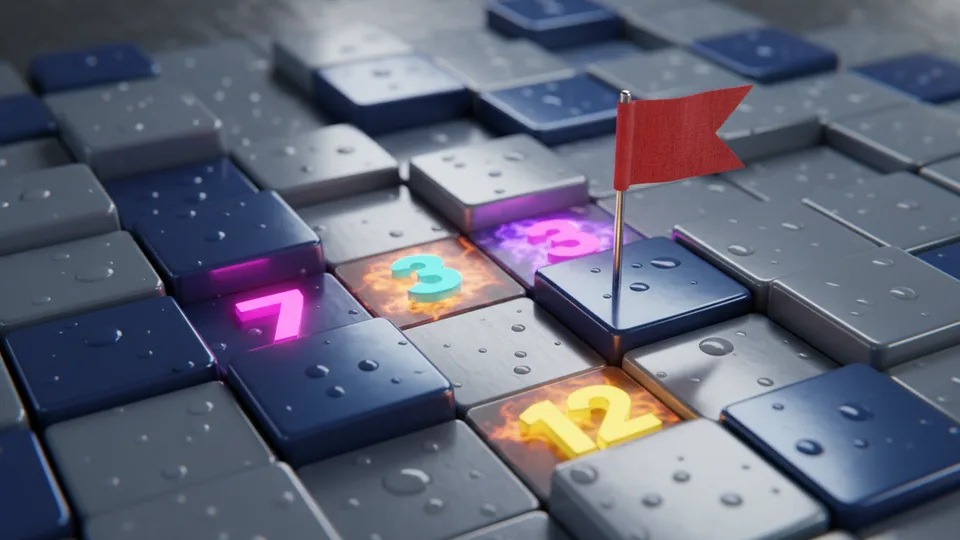
Illustration: a glossy tile board with coloured digits and a small red flag

LogicClassic

Minesweeper Online

By the Minesweeper.Online team · minesweeper.online

The classic grid of hidden mines, done properly in the browser. Numbers tell you how many mines touch each square, and careful reading clears the board. We like the No-guessing mode in particular: every board can be solved by logic alone, which removes the frustrating pure-guess moments of the old desktop version. There is also a head-to-head mode for two players.

Plays on
Any modern browser, desktop or phone
Cost
Free to play; an optional premium account removes adverts
Account
Optional, to keep results
Usual sitting
2–10 minutes
Our score
4 / 5

First sitting: pick Beginner in No-guessing mode and learn the 1-2-1 pattern along an edge; it appears on almost every board.

Where to stop: boards are quick, which makes "just one more" easy. Choose a number, say three boards, and stop there whatever happens.

Open minesweeper.online (opens in a new tab)
Illustration: speech bubbles and letter tiles around a round fuse with a spark

With friendsWords

JKLM.FUN

By Sparklin Labs · jklm.fun

A set of party games for a group on computers and phones. In BombParty you pass a ticking fuse around by typing a word that contains the letters shown; PopSauce is a fast general-knowledge quiz; Master of the Grid is a shared word puzzle. Create a room, send the code to friends on a call, and it just works.

Plays on
Desktop and phone browsers
Cost
Free to play
Account
Not needed; pick a nickname for the room
Usual sitting
15–30 minutes
Our score
4.5 / 5

First sitting: make a private room for people you know rather than joining a public one; the games are at their best with friends.

Where to stop: agree on a number of games with the group before you start, then end on a high.

Open jklm.fun (opens in a new tab)
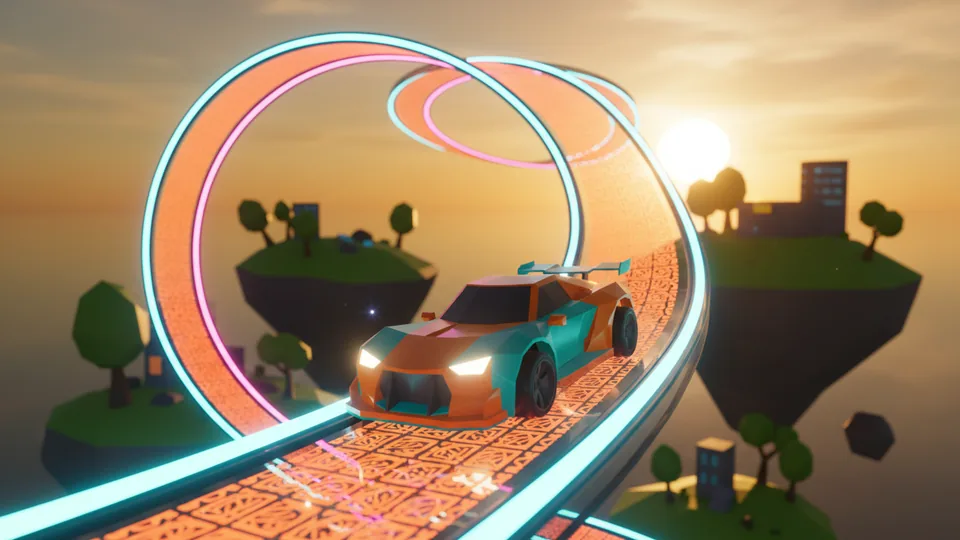
Illustration: a low-poly toy car on a looping track at sunset

SpeedRacing

PolyTrack

By Kodub · kodub.com

A low-poly racing game of loops, jumps and very high speeds, where every millisecond counts. Races are against the clock rather than other cars, so the challenge is learning each track's line, landing the jumps cleanly and shaving off time on the next run.

Plays on
Desktop browser
Cost
Free to play
Account
Not needed
Usual sitting
5–20 minutes
Our score
4 / 5

First sitting: drive the first track slowly once to learn where the jumps land, then try for a clean lap.

Where to stop: when you beat your best time on one track. Chasing the last tenth of a second is where evenings disappear.

Open kodub.com (opens in a new tab)

How we pick

  • Free to play in a browser, with no download and no account needed to start.
  • A natural end to a sitting: a daily puzzle, a timed test, a wave, a track or a game with friends.
  • Made by people who run their own official site. We link only to that site, never to a copy or a mirror.
  • No money changes hands with us: we are not paid for any listing and the links carry no tracking.

Facts on this page were checked on the official sites on 3 November 2026. Prices, adverts and features can change, so the maker's site is always the final word. The pictures are our own illustrations, not artwork from the games.

Playing well

Ordinary games can eat an evening too. Decide how long you want to play before you open a tab, use the planner above, and take the stop point on each card seriously.

If you ever feel that games are taking more of your time or mood than you would like, our play safe page lists free, confidential help in the UK.

Back to the Pixtavia library